

Team & Administration
Team & Administration
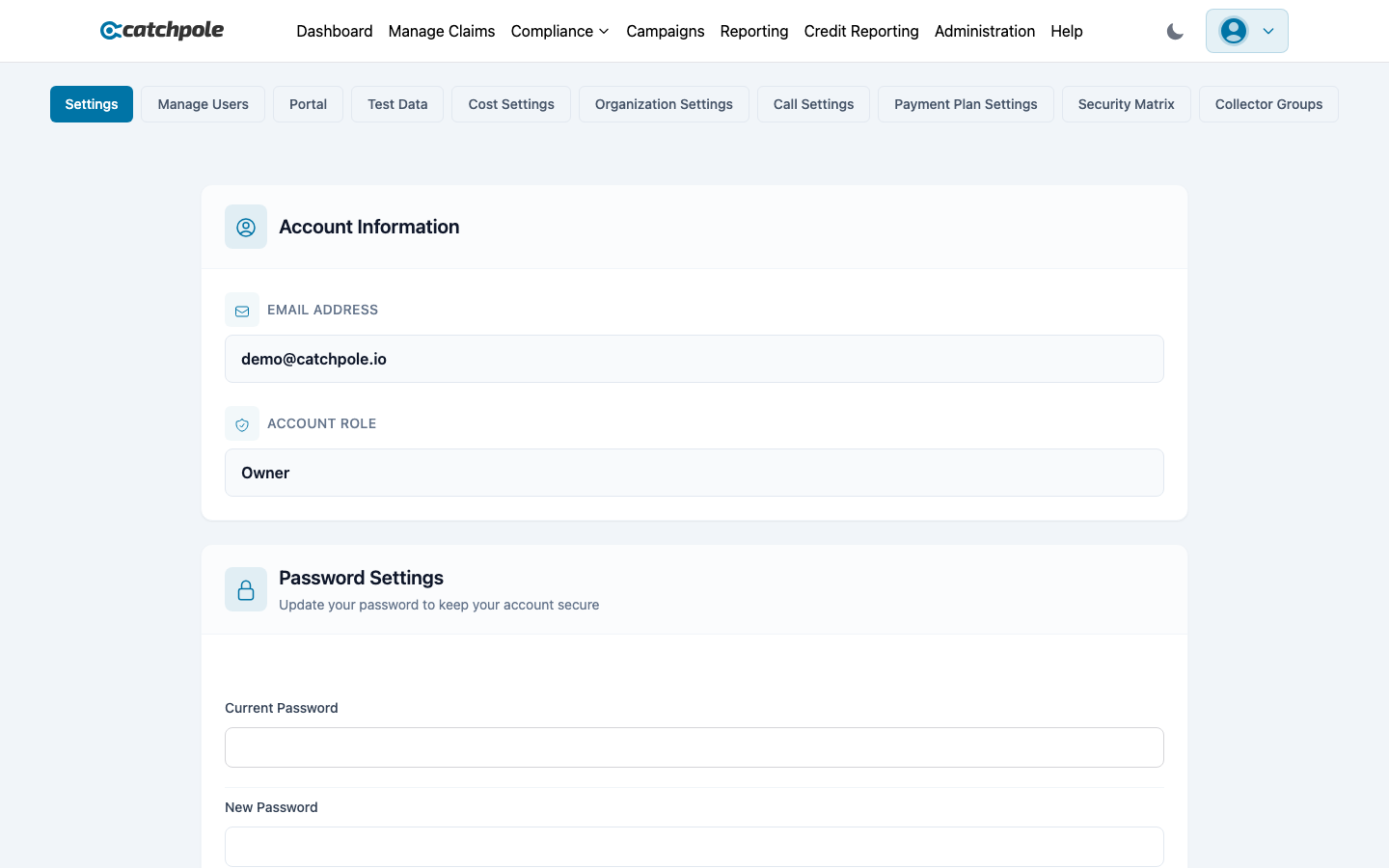
The Administration page is where you manage your team, control permissions, and configure organization-wide settings.
User Management
Inviting Users
- Navigate to Administration
- Click Invite User
- Enter their email address
- Select their role
- They’ll receive an email with a setup link
User Roles
| Role | Description |
|---|---|
| Owner | Full system access, security matrix control, organization settings |
| Administrator | All access except organization rename/delete, user management |
| Manager | Claims, campaigns, user creation, CSV import, reporting |
| Collector | Work assigned customers, record payments, view reports |
| Client | Read-only dashboard and reporting access |
Managing Users
- Edit — change a user’s role or details
- Delete — remove a user from the organization
- Transfer ownership — transfer the Owner role to another user
Organization Settings
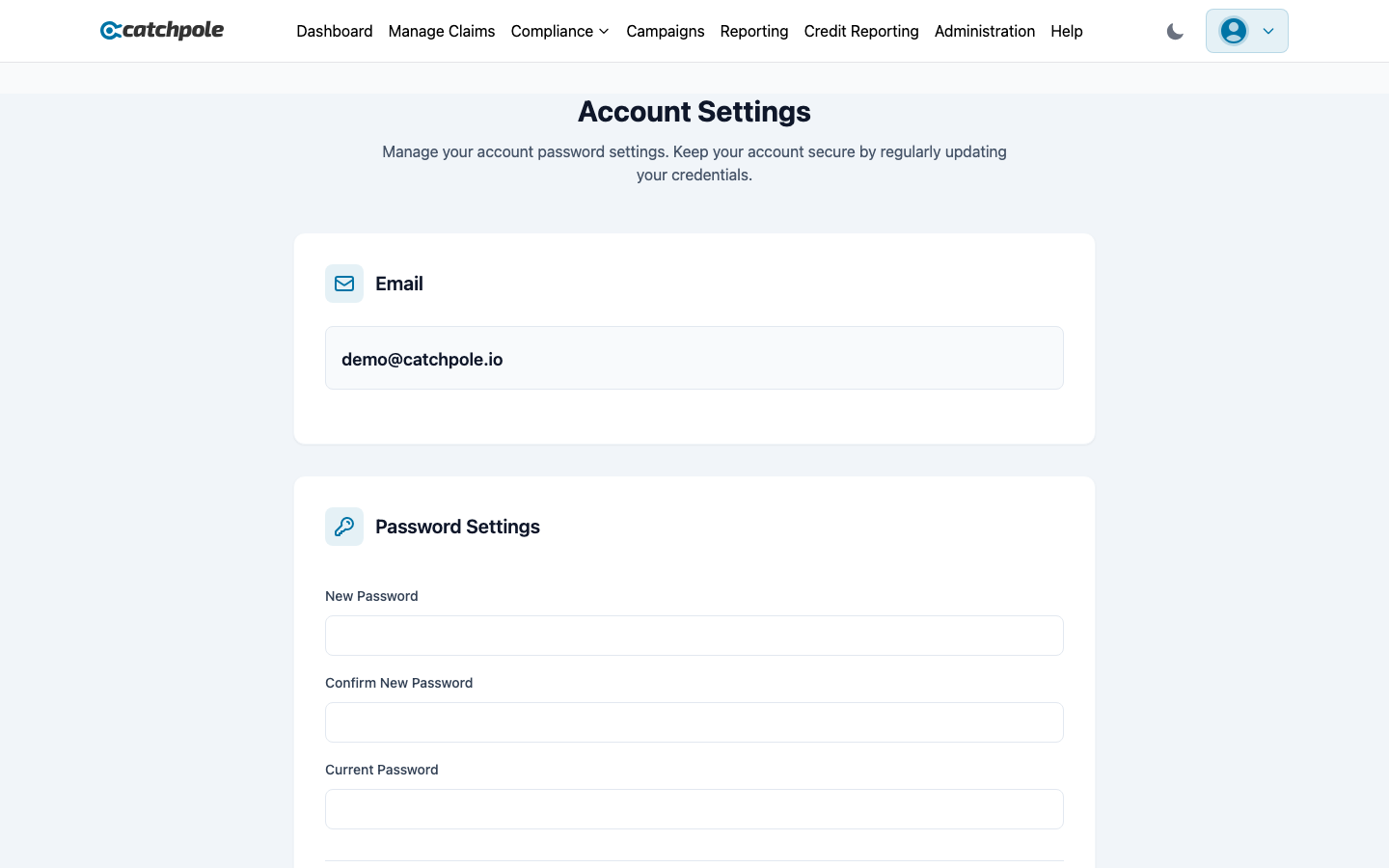
Configure your organization from Settings:
- Organization name — your company name
- Display name — shown to customers on the payment portal
- Portal slug — your unique payment portal URL
- AWS Connect — phone system integration settings
- Payment processor — PaymentVision configuration
Security
- Role-based access control (RBAC) enforced across all features
- Each role has specific permissions that cannot be overridden
- All actions are logged in the audit trail
- Password policies enforced on all accounts