

Campaign Builder
Campaign Builder
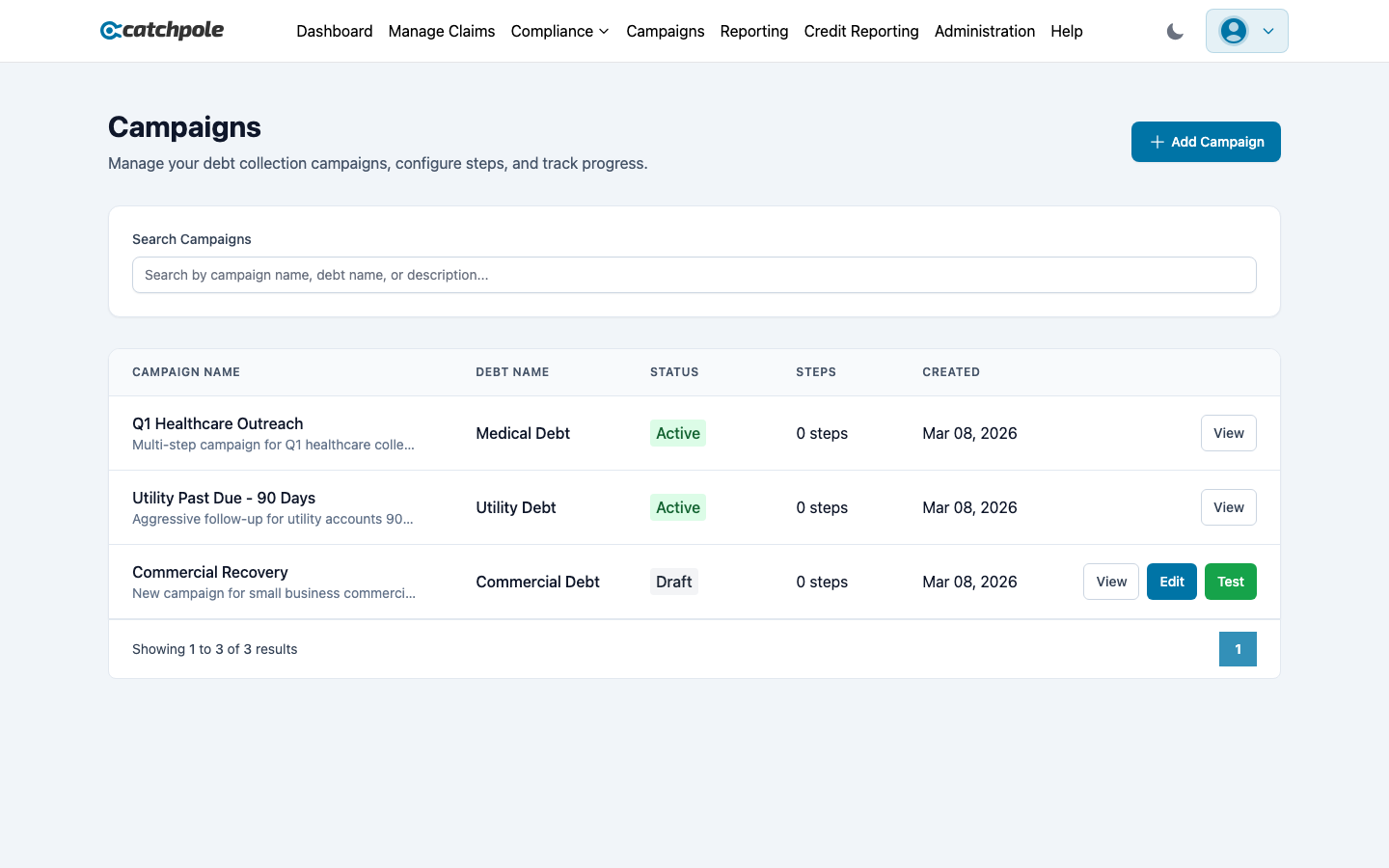
Campaigns automate your outreach strategy across multiple channels — mail, email, SMS, and phone calls. Design step-by-step sequences that run automatically against your claims.
Campaign Overview
The Campaigns page shows all your campaigns with:
- Campaign Name and description
- Debt Name — the type of debt targeted
- Status — Draft, Active, Paused, or Completed
- Steps — number of outreach steps configured
- Created date
AI Channel Optimization
Toggle AI Channel Optimization to automatically select the best outreach channel and timing for each customer based on their historical response patterns.
Creating a Campaign
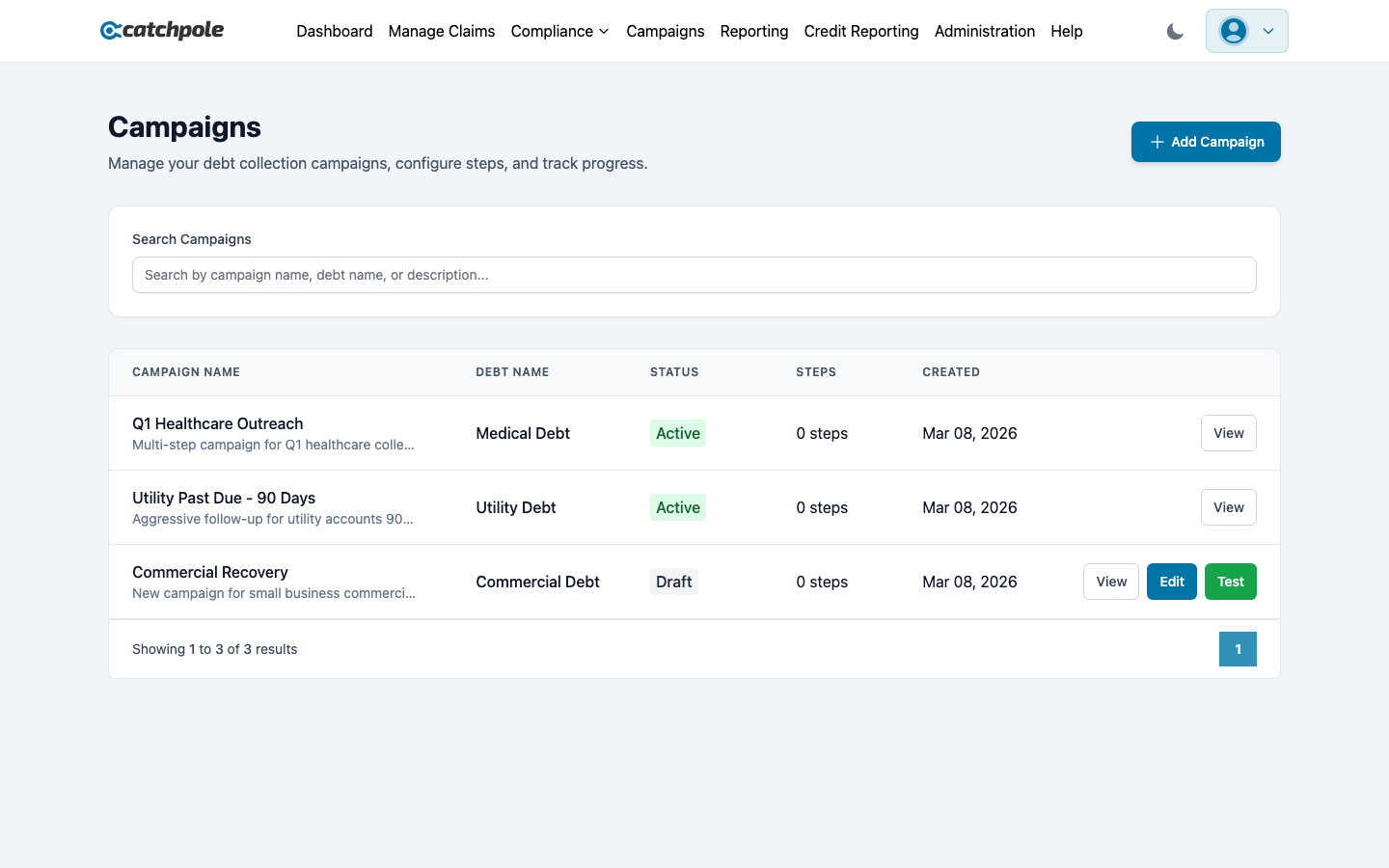
Click Add Campaign to create a new campaign:
- Name — a descriptive campaign name
- Description — what this campaign does
- Debt Name — the debt type this campaign targets
- Product Name — optional product association
- Status — start as Draft, then activate when ready
Campaign Steps
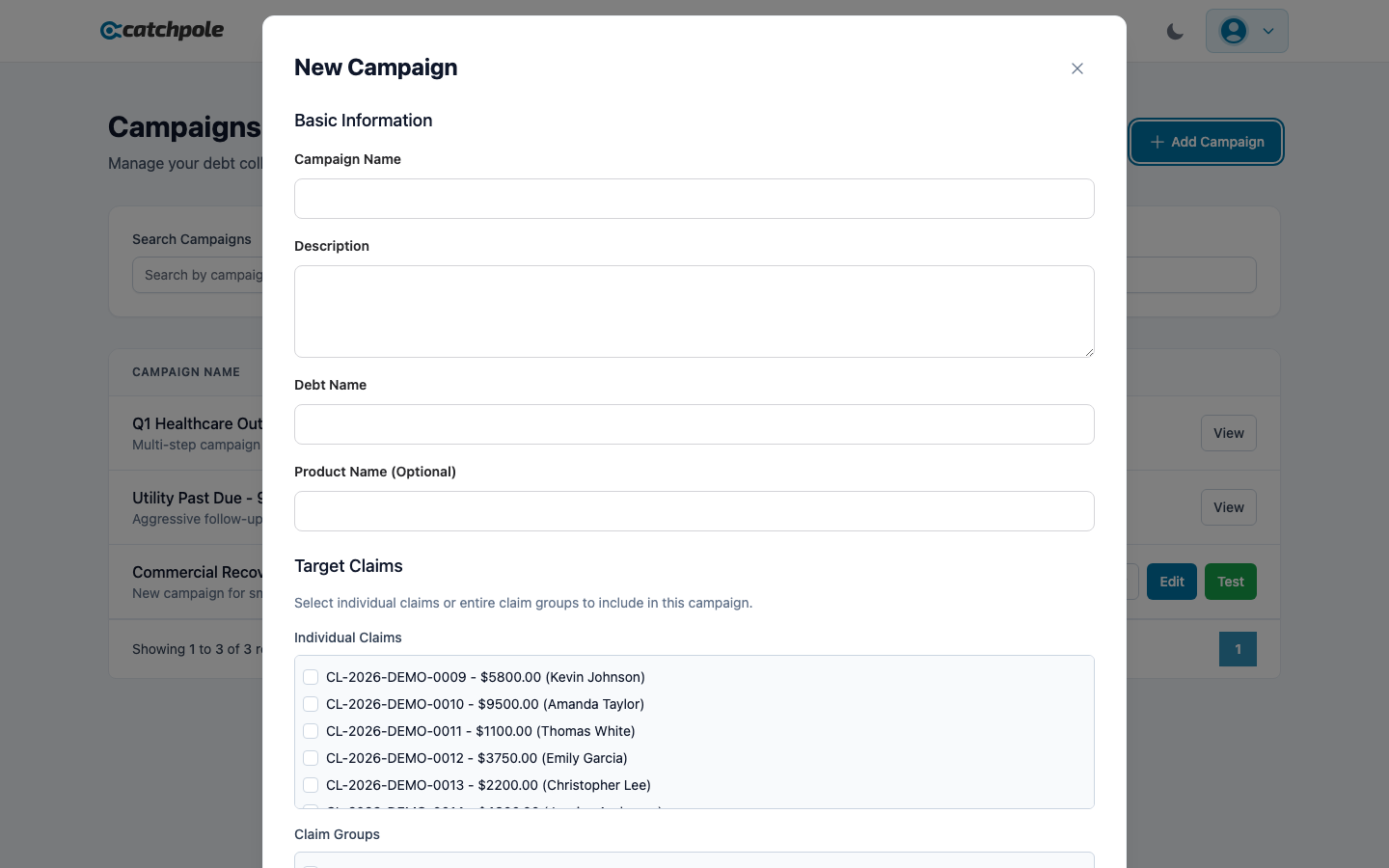
Each campaign consists of ordered steps. For each step, configure:
- Channel — Mail, Email, SMS, or Phone
- Template — select from your Template Builder templates
- Delay — days to wait before executing this step
- Conditions — when to trigger or skip this step
Campaign Statuses
- Draft — being designed, not yet running. Can be edited and tested
- Active — running against matching claims
- Paused — temporarily stopped, can be resumed
- Completed — finished running
Testing Campaigns
Draft campaigns can be tested using the Test button. This runs the campaign logic without actually sending communications, letting you verify the flow.
Best Practices
- Start with a simple 3-step sequence (letter → email → phone call)
- Use delays of 7-14 days between steps
- Enable AI Channel Optimization for data-driven channel selection
- Monitor campaign performance and iterate on timing