

FDCPA/TCPA Contact Rules
FDCPA/TCPA Contact Rules
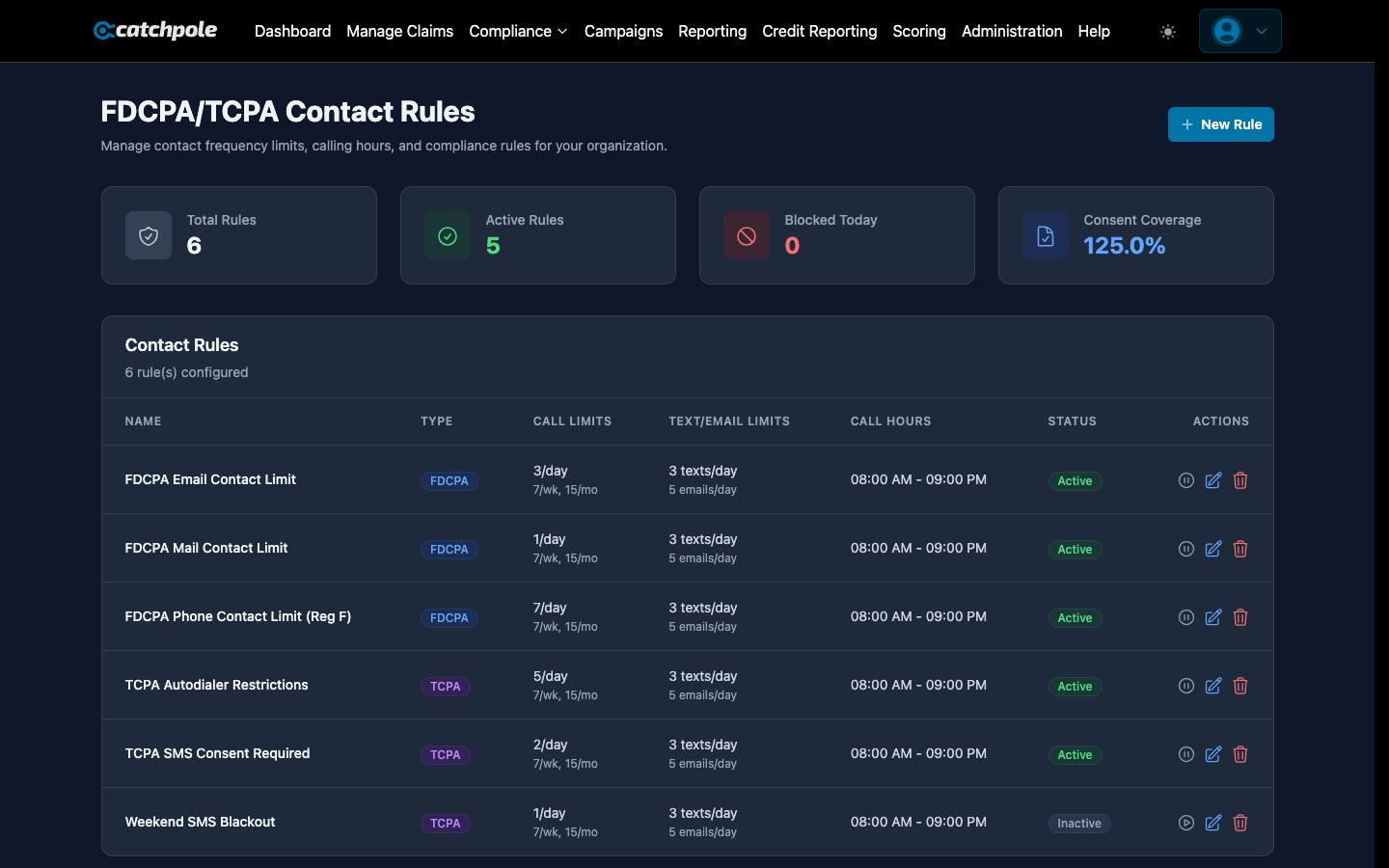
Catchpole enforces federal contact rules automatically, protecting your organization from compliance violations. Configure rules that match your regulatory requirements and let the system enforce them.
Contact Frequency Limits
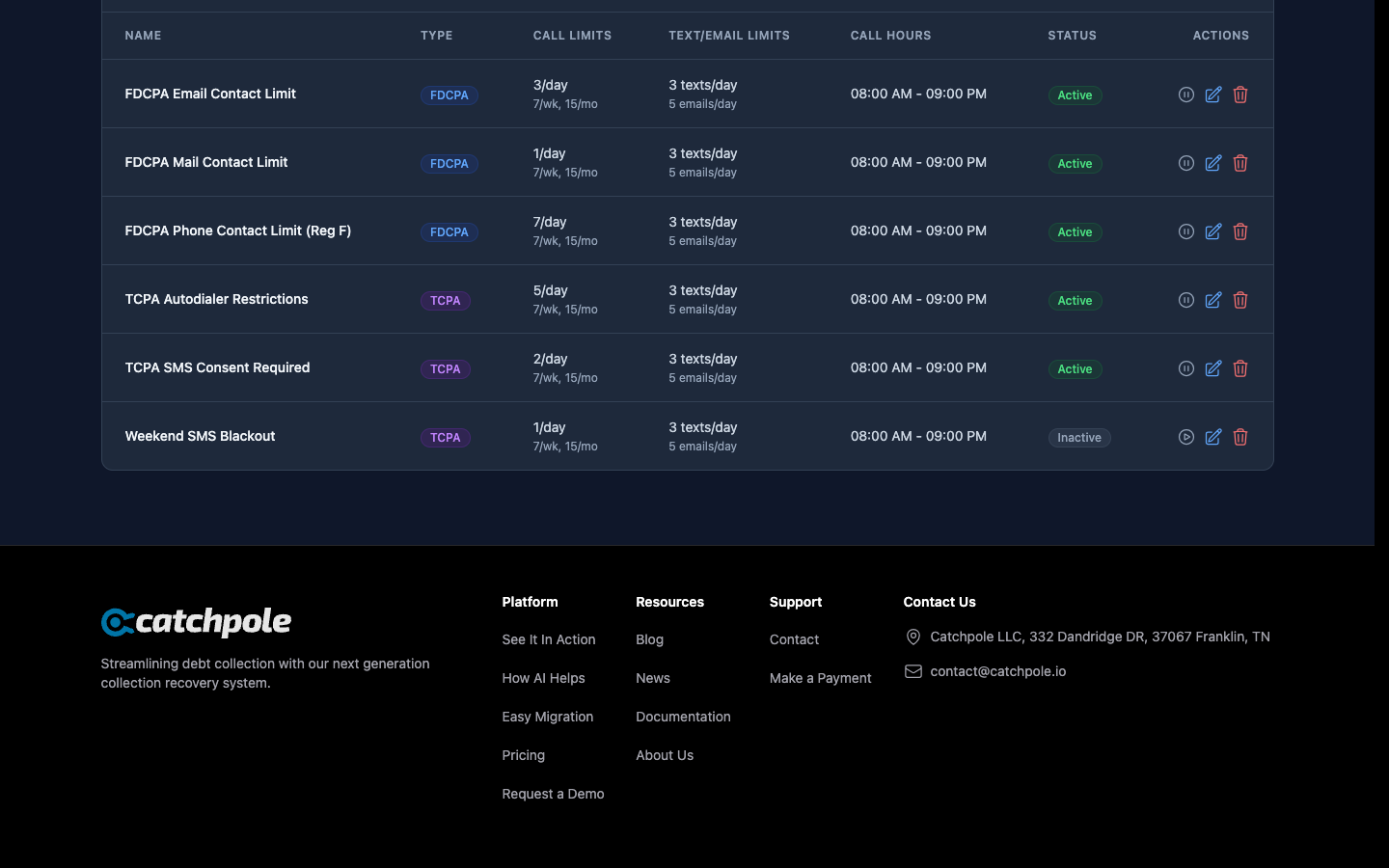
Set maximum contact attempts per time period:
- Daily limits — maximum calls per day per debtor
- Weekly limits — maximum contacts per 7-day rolling window
- Monthly limits — maximum contacts per 30-day period
The system automatically blocks contact attempts that would exceed these limits.
Time-of-Day Restrictions
Configure when contacts are permitted:
- Earliest call time — typically 8:00 AM in the debtor’s time zone
- Latest call time — typically 9:00 PM in the debtor’s time zone
- Weekend restrictions — optional limits on weekend contacts
- Holiday blackouts — no contacts on specified holidays
Creating Rules
- Navigate to Compliance > Contact Rules
- Click New Rule
- Configure:
- Rule name and description
- Maximum calls per day/week
- Permitted call hours
- Applicable channels (phone, SMS, email)
- Save — the rule is enforced immediately
How Enforcement Works
When a collector or campaign attempts to contact a debtor:
- The system checks all applicable rules
- If the contact is allowed, it proceeds
- If it would violate a rule, it’s blocked with a clear reason
- Every check is logged in the audit trail
Consent Management
Track debtor communication preferences:
- Opt-in/opt-out status for each channel
- Preferred contact method — phone, email, SMS, mail
- Do-not-call requests
- Cease-and-desist requests
Navigate to Compliance > Consent Management to view and manage consent records.
Audit Trail
Every compliance decision is logged:
- Contact attempts (allowed and blocked)
- Rule that was applied
- Timestamp and user who initiated
- Outcome and reason