

Legal & Bankruptcy Tracking
Legal & Bankruptcy Tracking
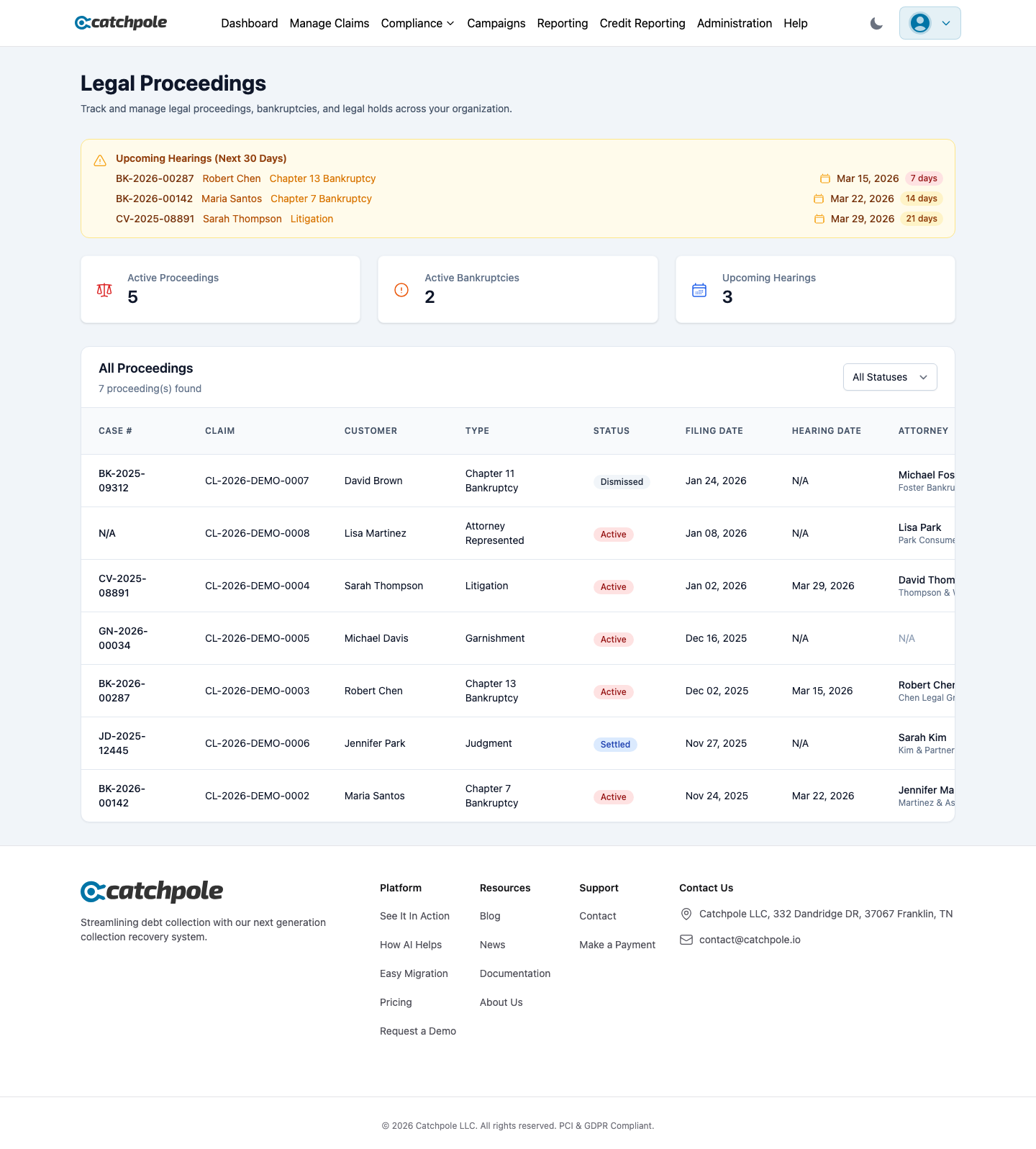
When a debtor files for bankruptcy or a claim enters legal proceedings, specific rules apply. Catchpole’s Legal Proceedings module ensures compliance by automatically enforcing legal holds and tracking case progress.
Legal Holds
When a legal hold is placed on a claim:
- All collection activity stops immediately
- The claim is flagged across the system
- Collectors see a clear “Legal Hold” indicator
- Campaign steps are automatically skipped for this claim
Bankruptcy Tracking
Track bankruptcy cases with:
- Case Number — court case reference
- Filing Date — when bankruptcy was filed
- Type — Chapter 7, Chapter 13, etc.
- Court — jurisdiction information
- Status — Filed, Confirmed, Discharged, Dismissed
- Attorney — debtor’s legal representation
Creating a Legal Proceeding
- Navigate to Legal Proceedings or open a customer’s detail view
- Click New Legal Proceeding
- Select the claim and proceeding type
- Enter case details, dates, and court information
- The system automatically applies the legal hold
Proceeding Types
- Bankruptcy — Chapter 7, 11, or 13 filings
- Litigation — active lawsuits
- Judgment — court judgments
- Garnishment — wage or bank garnishments
Compliance Safeguards
- Legal holds are enforced system-wide — no accidental contacts
- Campaign automation respects legal holds
- Clear visual indicators on all affected claims
- Full audit trail of legal status changes