

Template Builder
Template Builder
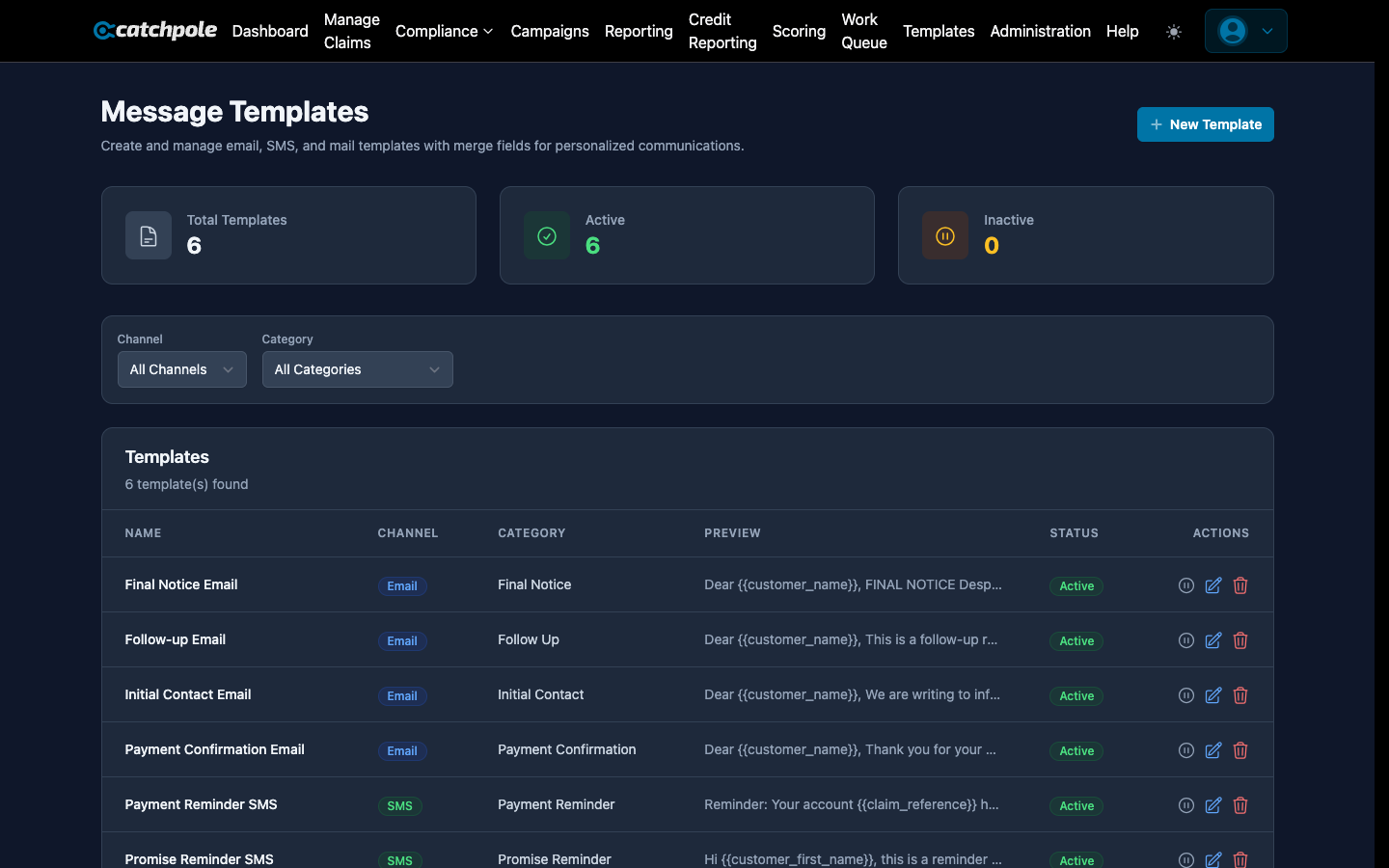
Templates let you create reusable message content for letters, emails, and SMS. Use dynamic variables to personalize each message automatically.
Template Types
- Letter — physical mail templates
- Email — email message templates
- SMS — text message templates
Creating a Template
- Navigate to Templates
- Click New Template
- Fill in:
- Name — descriptive template name
- Type — Letter, Email, or SMS
- Subject — for emails
- Body — the message content with variables
Dynamic Variables
Insert variables using double curly braces. They’re replaced with real data when the template is used:
| Variable | Description |
|---|---|
{{customer_first_name}} |
Debtor’s first name |
{{customer_last_name}} |
Debtor’s last name |
{{balance}} |
Current outstanding balance |
{{claim_reference}} |
Claim reference number |
{{due_date}} |
Payment due date |
{{company_name}} |
Your organization name |
{{collector_phone}} |
Assigned collector’s phone |
{{payment_portal_url}} |
Self-service payment portal link |
{{current_date}} |
Today’s date |
Using Templates
Templates are used in:
- Campaigns — each campaign step references a template
- Manual outreach — collectors can send templated messages from the collector dashboard
- Bulk communications — send to multiple customers at once
Managing Templates
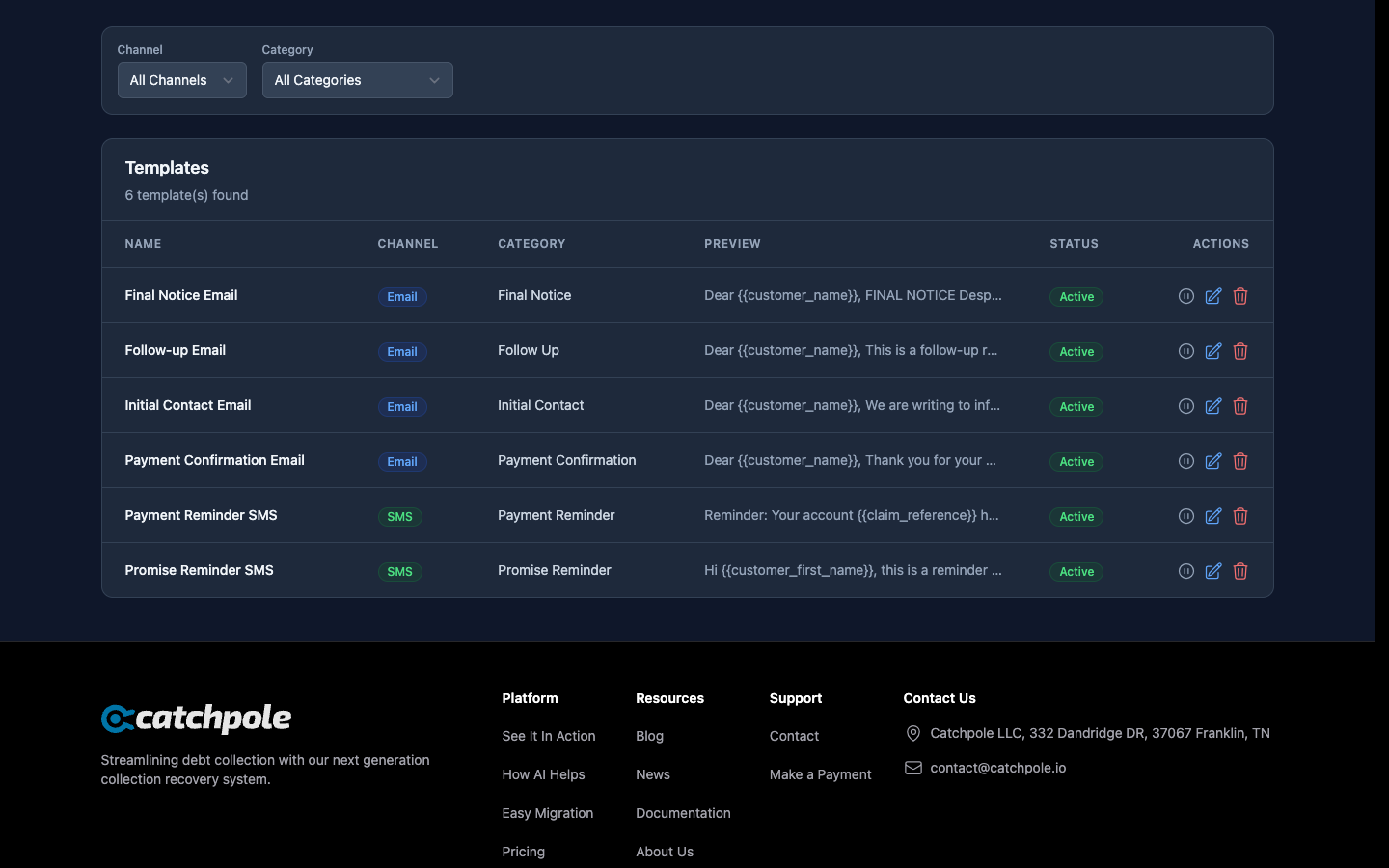
- Edit — modify existing templates at any time
- Preview — see how the template looks with sample data
- Duplicate — copy a template as a starting point for a new one
- Delete — remove templates no longer needed